
Join Discord & Create Your Free Account
Learn why Discord is required, how to sign in, connect your Discord account, and complete your Phoenix Ladder profile.
Learn How → Mabuhay
Phoenix Ladder
Global Phoenix Ladder access is planned for July 1st. Sign in to join early access and follow launch updates.

Phoenix Ladder TV · Platform Guide
Learn how to join Discord, create your free account, queue for matches, cast games, use the overlay, and watch player streams.
Platform Video Series
These videos walk players and casters through the full Phoenix Ladder flow. Start with Discord and account setup, then learn how queues, overlays, watch pages, and casting work together.
Learn why Discord is required, how to sign in, connect your Discord account, and complete your Phoenix Ladder profile.
Learn How →
Learn how to add your Kick username, why streams are required, and where to update your account if your stream is missing.
Watch Video →
Learn how to enter a queue channel, what happens while waiting, and how Phoenix Ladder finds a caster and opponent.
Watch Video →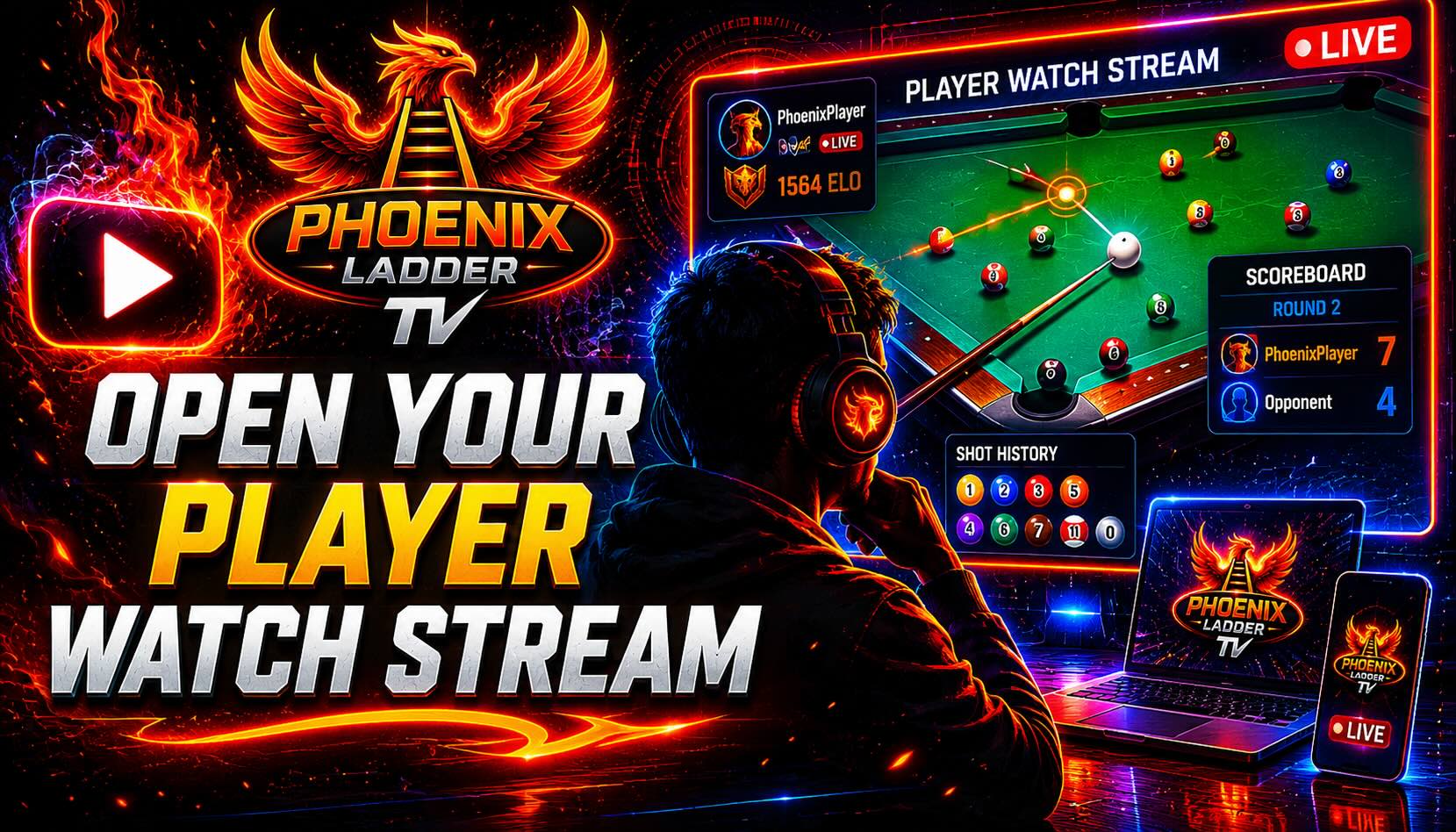
Learn how to open your permanent watch page, see your opponent, and follow the live caster stream during your match.
Watch Video →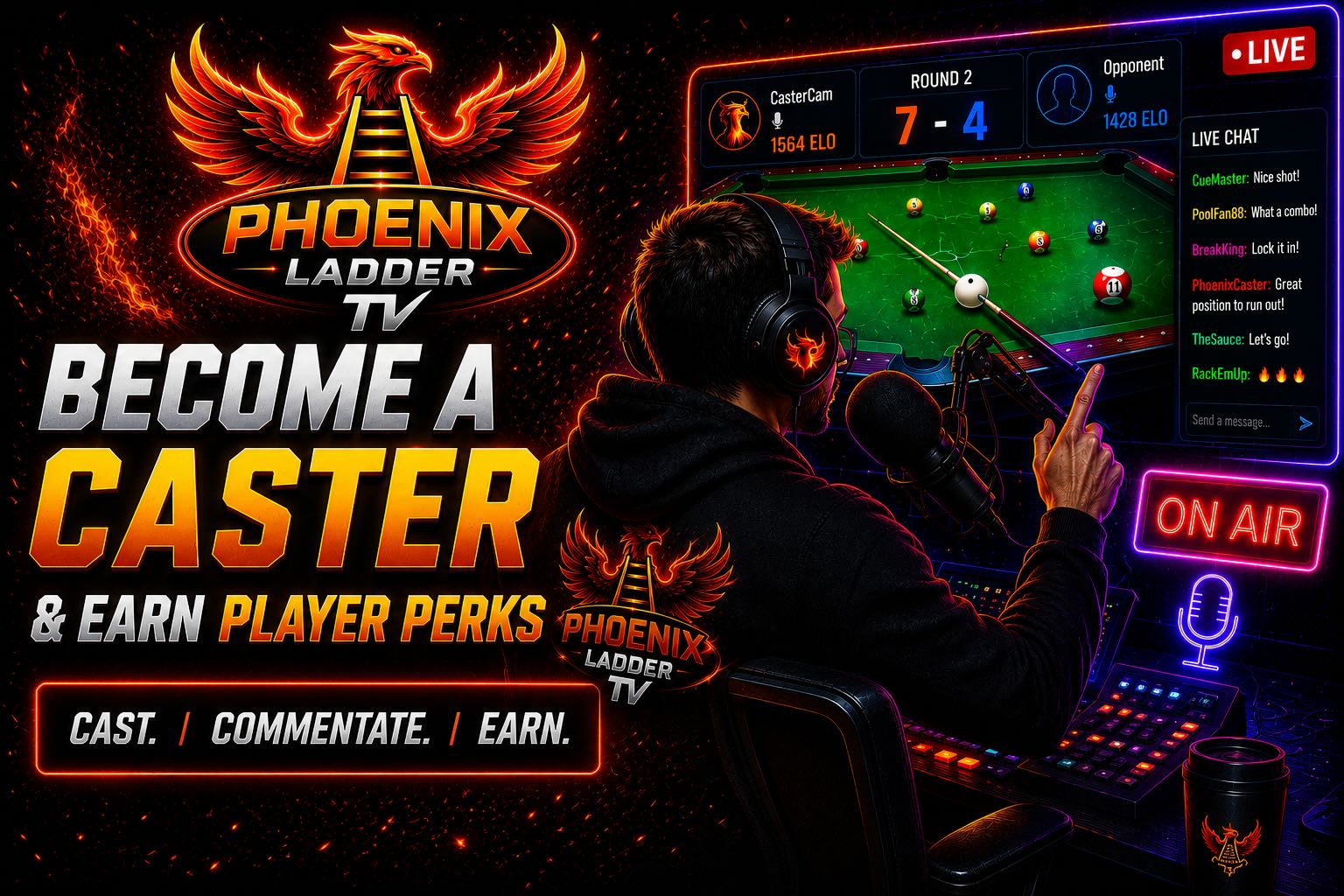
Learn how approved casters join the caster queue, get assigned players, and help keep Phoenix Ladder matches running.
Watch Video →
Learn how casters use the overlay to select balls, submit shots, track rounds, and keep the live match synchronized.
Watch Video →
Learn what to do if Discord moves you to Fix Account, including missing Kick streams, terms updates, and play limits.
Watch Video →Phoenix Ladder update
We are currently rolling out our platform and completing a short testing phase to ensure everything is ready for launch. We anticipate opening the platform sometime this month.
Please hold off on creating your online account just yet.
In the meantime, visit www.33pool.com/how-to-play to learn the rules and start practicing 33 Rotation. If you enjoy the game, we'd love for you to share videos of yourself playing to help introduce others to the sport and build excitement within the community.
Check back soon for announcements regarding the official launch and the start of Season 1. Thank you for being part of the future of competitive 33 Rotation.